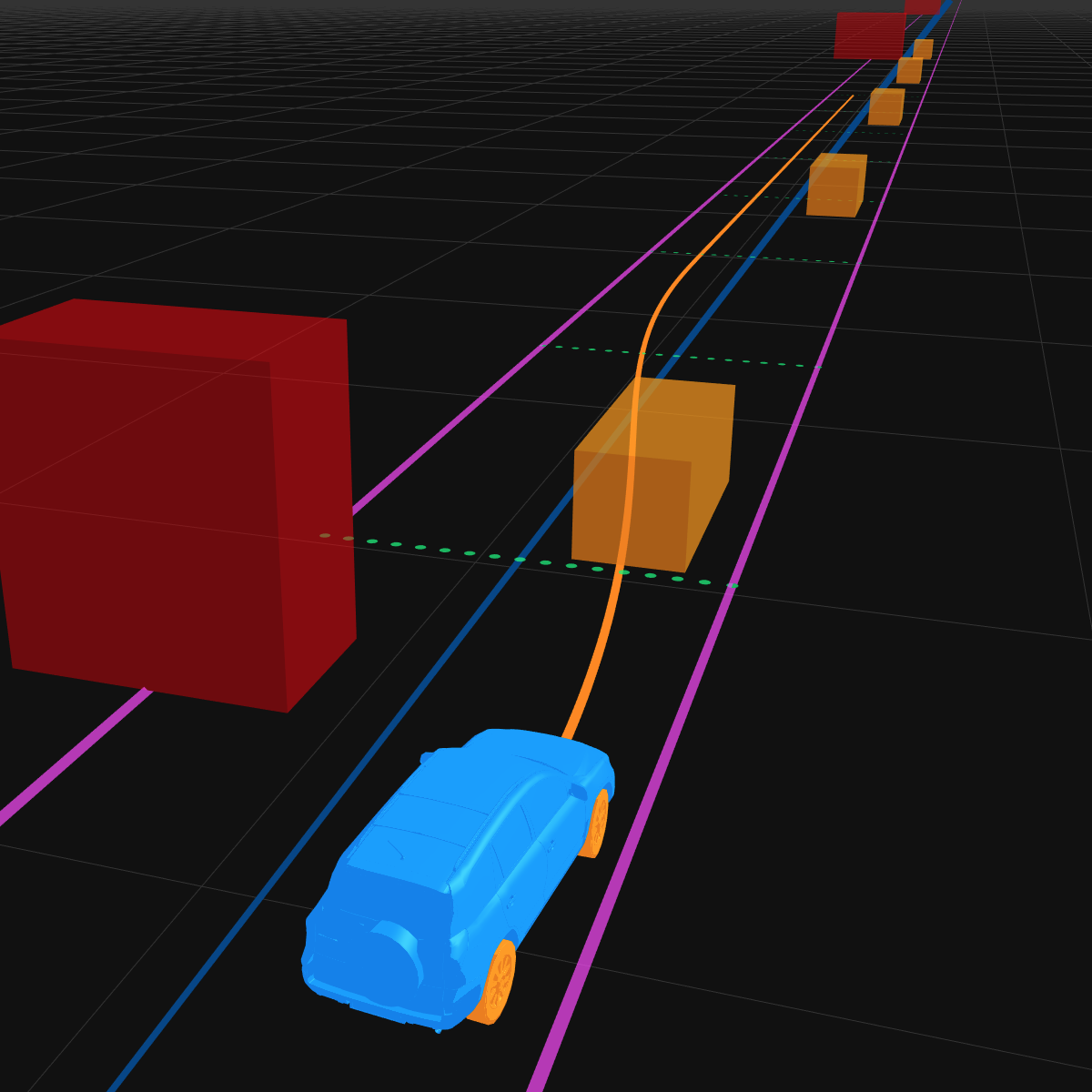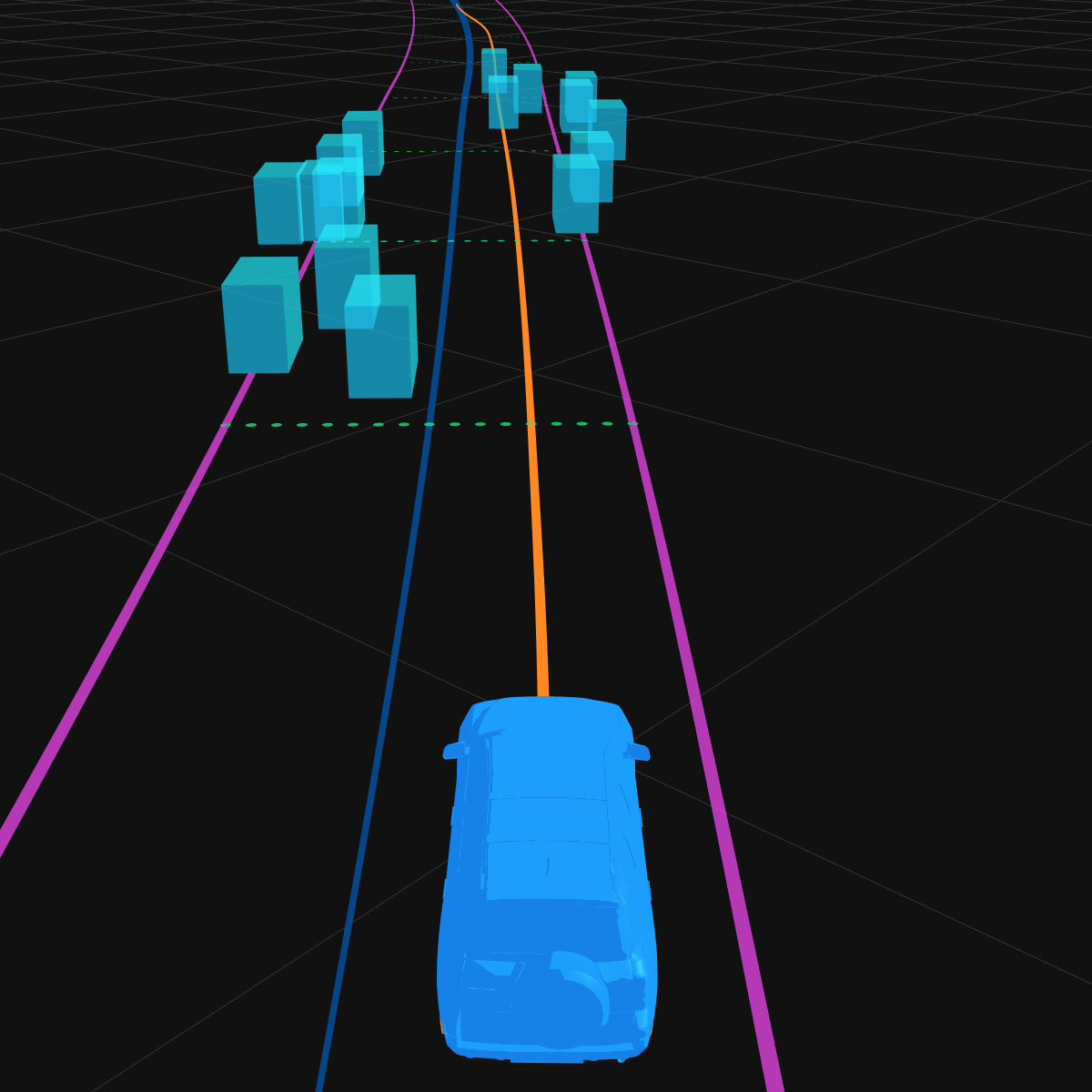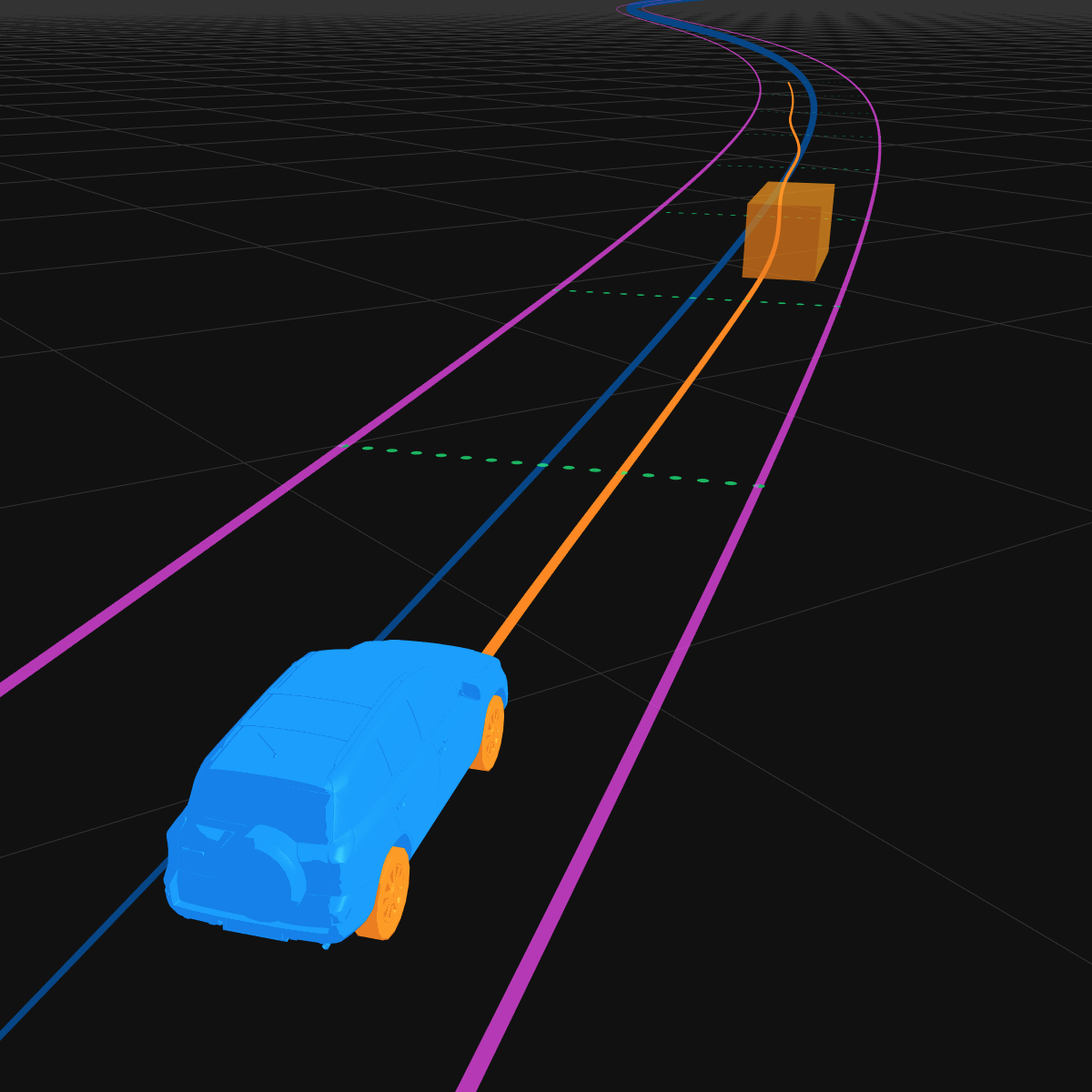
Error initializing motion planner. Check if your browser is supported.
Speed
—
m/s
Station
—
meters
Latitude
—
meters
Plan Time
—
ms
—
ManualAutonomous
Planner Config
Edit ScenarioLoad Scenario
Untitled
Last Saved:Unsaved
m/s
━━
╌ ╌
−
1
+
−
1
+
Dynamic Obstacles
Type
Parallel
SL Position
SL Velocity
Traffic Signals
Add Signal
Vehicle Spawns
Add Vehicle
Light50%Heavy
#
Station (m)
Speed (m/s)
Direction
Lane
Lane change
1
Player
Lane 1
Ego
Leave empty for auto-generated demo vehicles (roads > 150m)
Left-click
Left-click + Drag
Shift + Left-click
Right-click + Drag
Place road anchor
Move road anchor
Delete road anchor
Pan view
The road is two lanes wide and is
represented by a spline curve controlled by anchor
points. Road positions use station-latitude (SL)
coordinates. Station is the longitudinal distance
along the arc-length of the road. Latitude is the
lateral offset to the left (negative) or right
(positive) of the road centerline.
Left-click + Drag
Shift + Left-click
Ctrl + Left-click + Drag
Right-click + Drag
Place new obstacle
or Move obstacle
Delete obstacle
Rotate obstacle
Pan view
Static obstacles do not move during the
course of the simulation. They can be used to
represent things like parked cars, road debris,
construction zones, etc.
Dynamic obstacles will move along the road
according to their velocities, starting from their
initial station-latitude positions. The initial
latitude is a normalized value between -1 and +1,
corresponding to the latitudes of the left and right
lane boundaries.
Left-click
Shift + Left-click
Right-click + Drag
Place traffic light (snaps to road)
Delete traffic light
Pan view
Traffic signals cycle between red and green
states. When red, they create a virtual obstacle
that blocks the path planner. Click on the map to
place a traffic light at that road station.
Left-click
Ctrl + Left-click
Shift + Left-click
Right-click + Drag
Place AI vehicle spawn
Place ego car spawn
Delete AI vehicle spawn
Pan view
Set where the ego car and AI vehicles
spawn when the simulation starts. If no AI vehicles
are defined, demo vehicles will be auto-spawned
for roads longer than 150m.
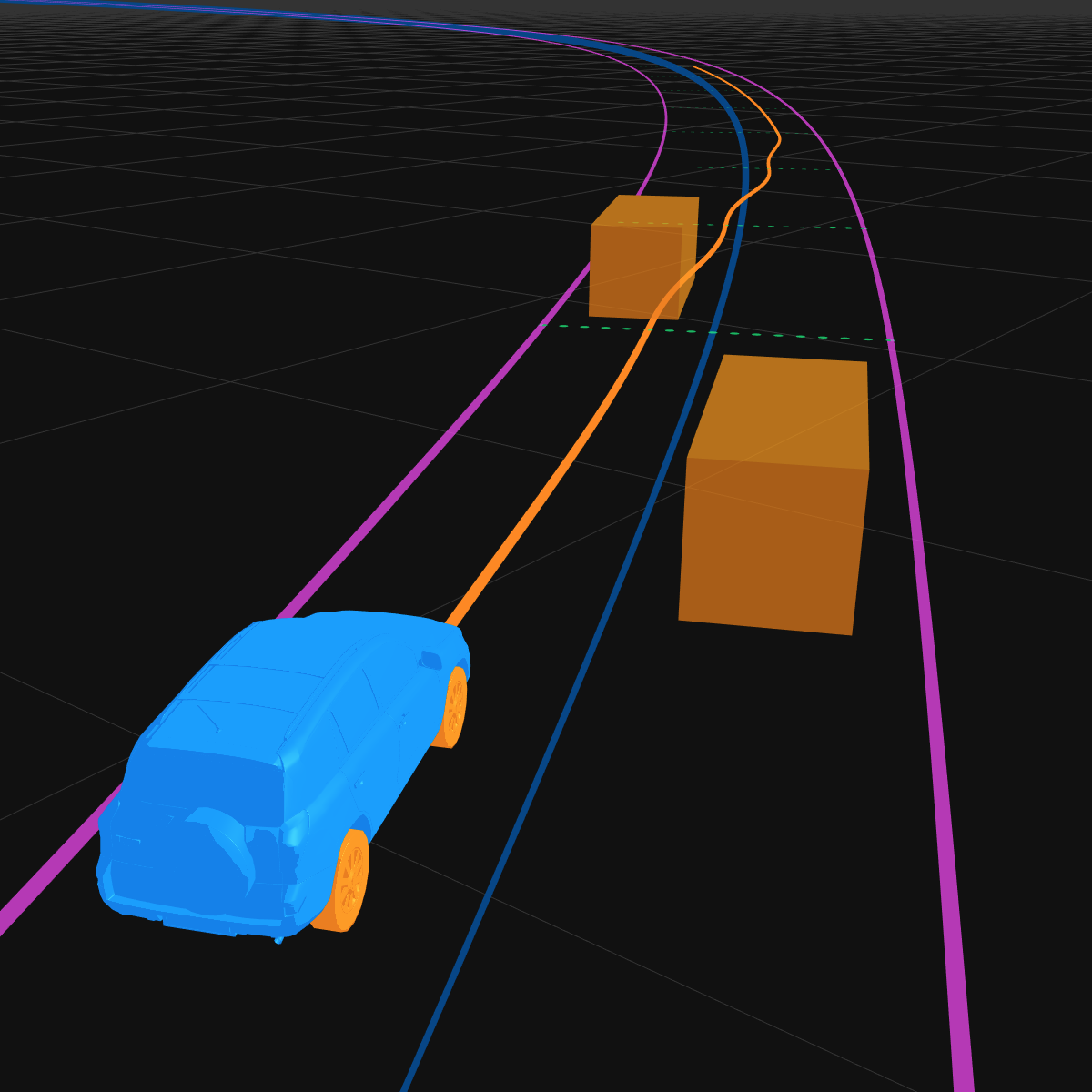
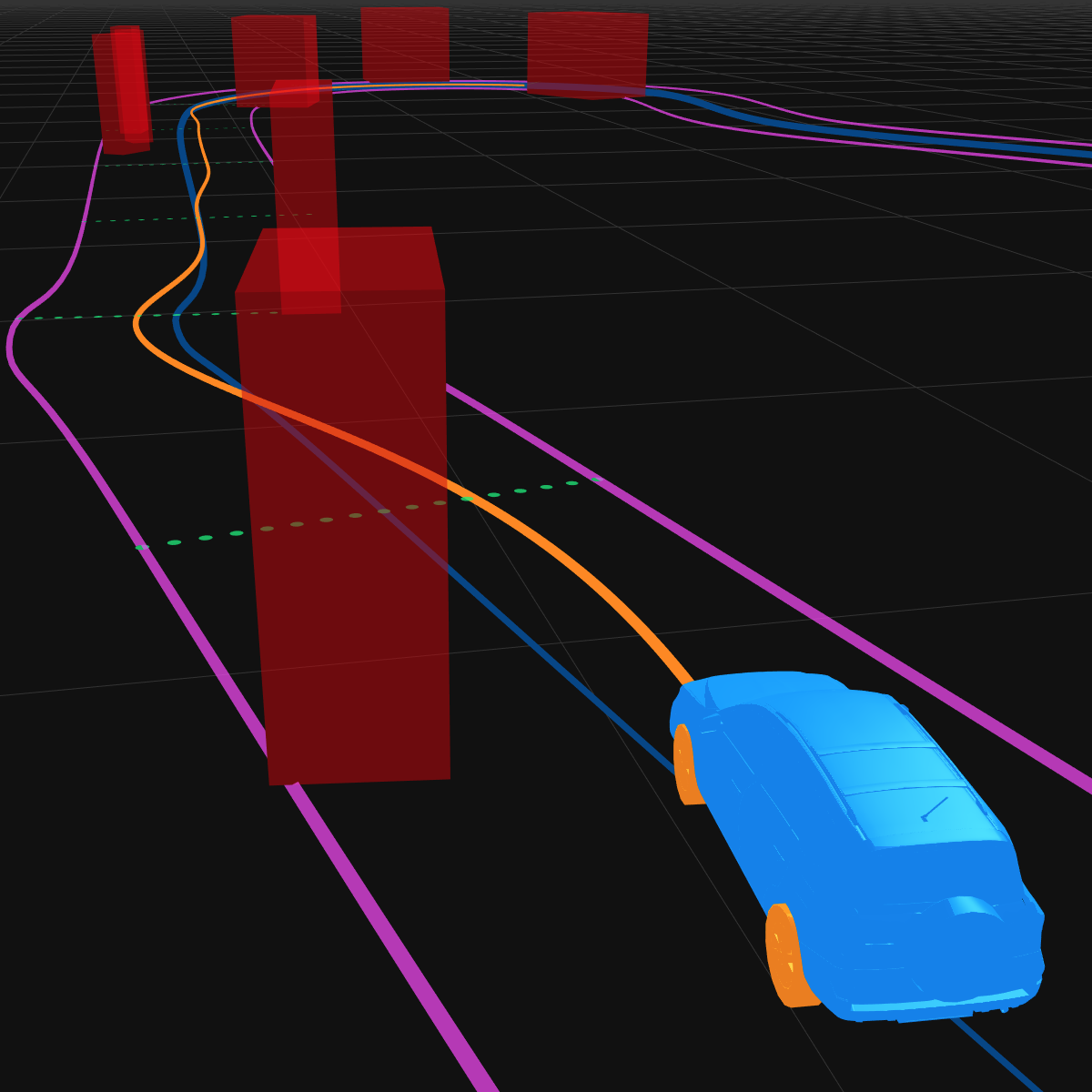
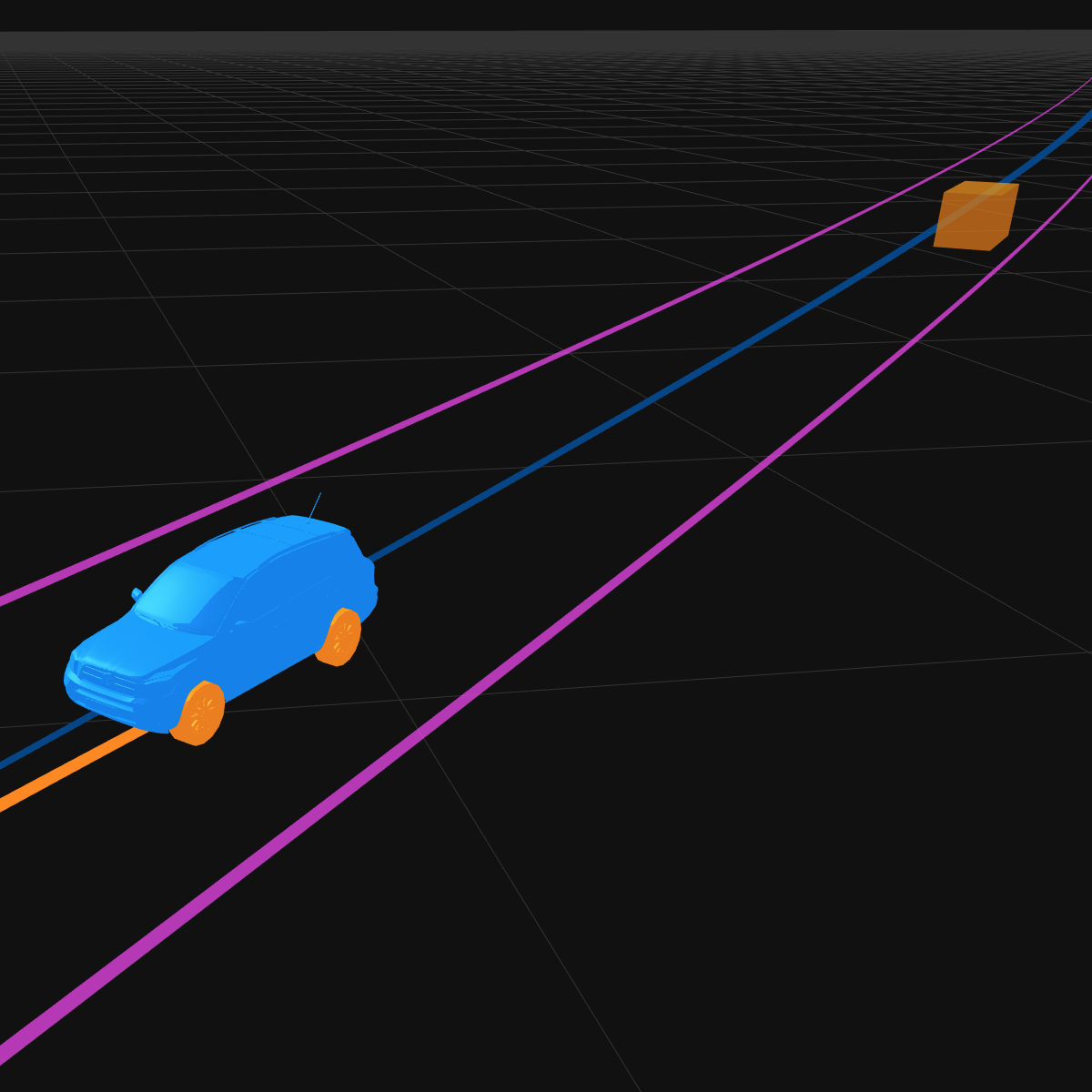
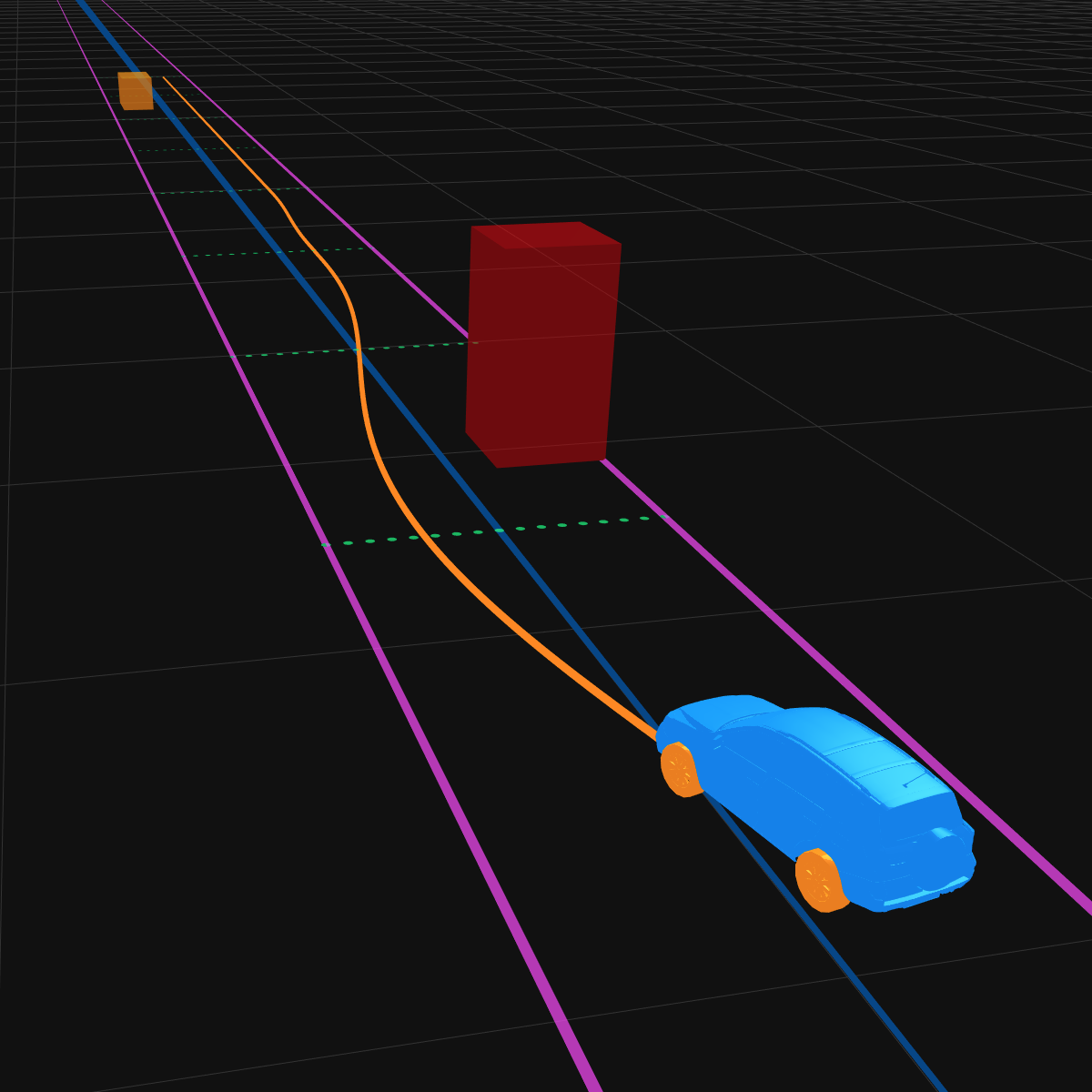
This project demonstrates a real-time, on-road,
lattice-based autonomous vehicle motion planner in the
browser. Many autonomous vehicle motion planners are
implemented close to the metal in C or C++, or they
utilize computing platforms like CUDA or OpenCL to
generate plans in a highly parallel fashion on the GPU.
Using WebGL, we can implement similar parallel planning
algorithms right in the browser that can run on a
variety of moderately-powerful consumer graphics cards.
With Three.js, the motion planner can be executed in
real-time 3D simulated scenarios.
This simulator is still a work-in-progress. You may see
bugs, WebGL crashes, strange vehicle behavior, and any
number of other failures. Currently, it is fully functional
only in Google Chrome
with hardware acceleration enabled
and experimental canvas features enabled.
The target frame rate is 60fps, but it may run
slower depending on how long planning takes on your
hardware.